Как закомитить ваш код в репозиторий.
На сайте
- Создайте новый репозиторий на https://github.com
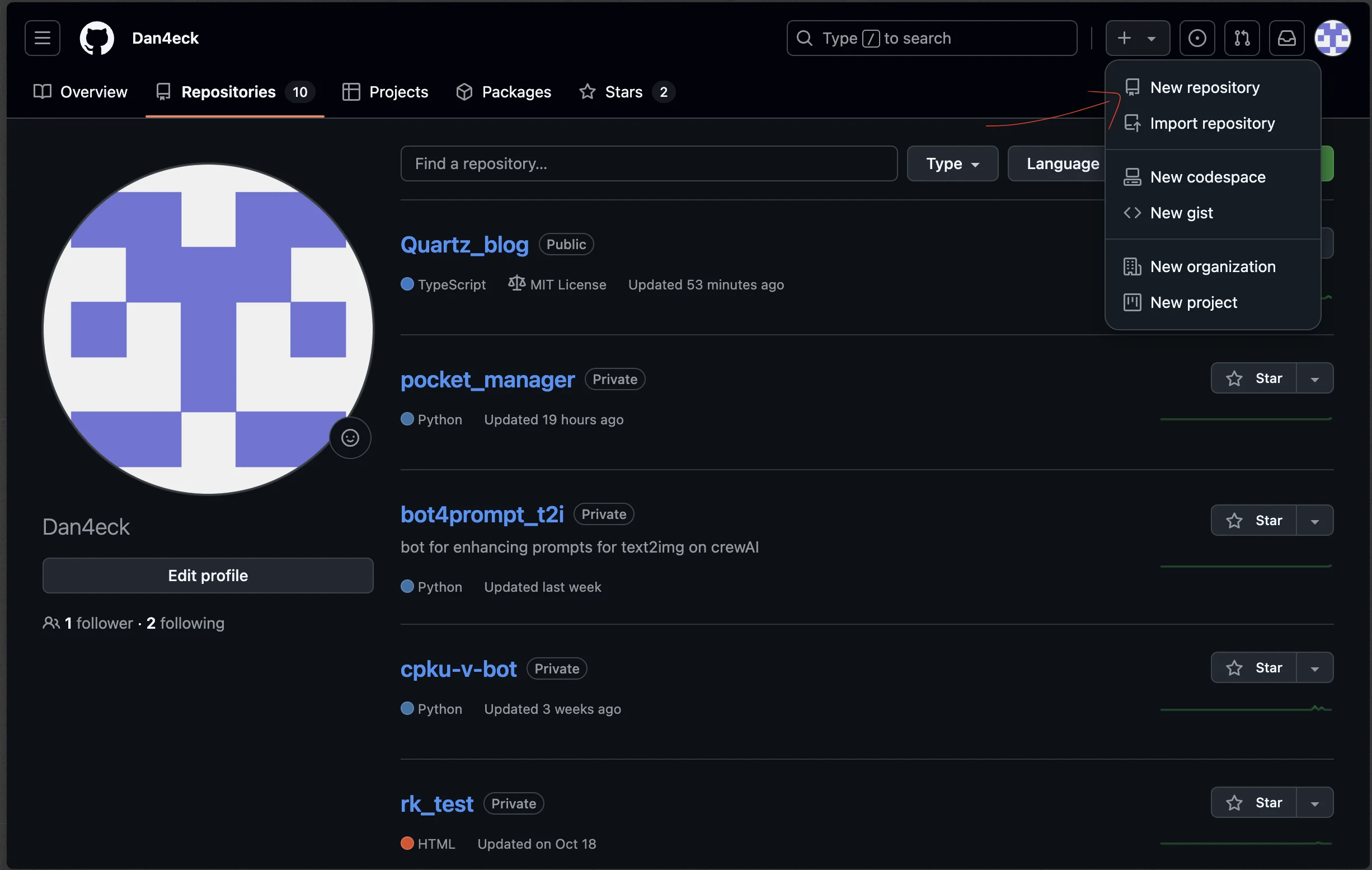
- Дайте название своему проекту и описание. Другие настройки можно не трогать
- Используйте ссылку на репозиторий далее в одной из команд
В терминале
В директории вашего проекта вводите следующие команды последовательно
git initCheck the status of current project
git statusAdd, delete and update your files to the Git repository:
git add .This adds all files in your current directory to the Git staging area. Or deletes files not exisiting anymore
Commit your changes:
git commit -m "Initial commit"Replace “Initial commit” with a meaningful commit message describing your changes.
Link your local repository to the GitHub repository:
git remote add origin https://github.com/yourusername/yourprojectname.gitReplace “yourusername” with your GitHub username and “yourprojectname” with your repository name.
Push your changes to GitHub:
git push -u origin main